How to Delete Your Reader Account on Ream
Ream is a publishing platform where readers can discover, purchase, and enjoy stories directly from their favorite authors. Readers can follow authors, purchase books through Single Sales, join subscriptions for exclusive content, and build a personal library of stories across e-books, serial fiction, audiobooks, and comics.
You can delete your account on Ream at any time by navigating to the Settings page in your account.
Scroll to the very bottom, where you will see an option to delete your account:
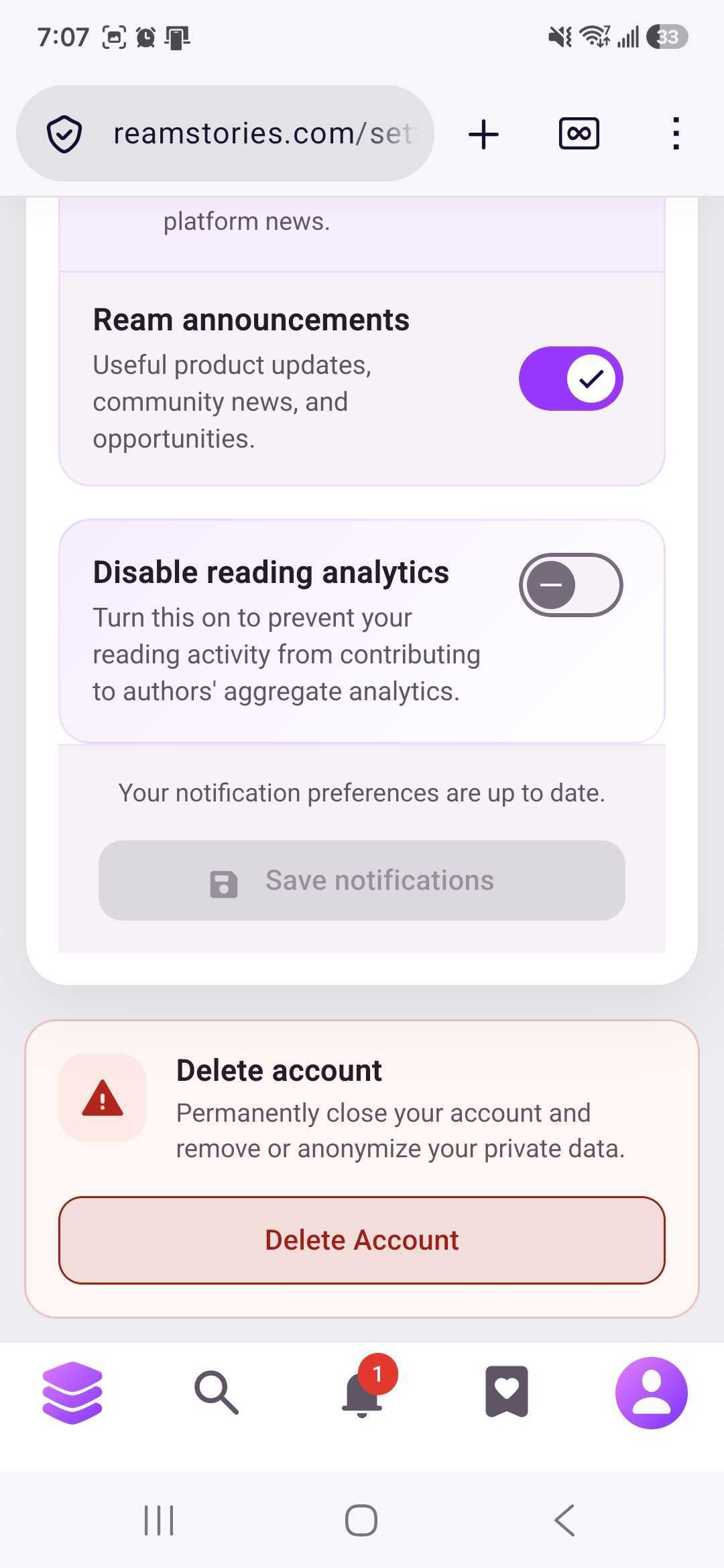
Once the delete account button is selected, you'll receive an automated confirmation email to the email address associated with your Ream account. Once confirmed, the account will be deleted.
Important:
- The deletion process is permanent once confirmed
-
Your subscriptions will automatically cancel when you delete your Ream account.
-
You will lose access to any purchased Single Sales books
Any associated data and history of your account will be deleted from our servers.
If you have any questions, please contact our Support Team at support@reamstories.com.