Heatmaps
🔥Our newest analytics tool 🔥
Monitor:
- watch how and where a reader starts (and stops) reading by chapter
- see which stories draw more reads and where readers engage
- available for both serial fiction and single sales
View your Analytics by going to your Author Dashboard, then choose your Stories tab, choose a story and then Analytics at the top of the page.

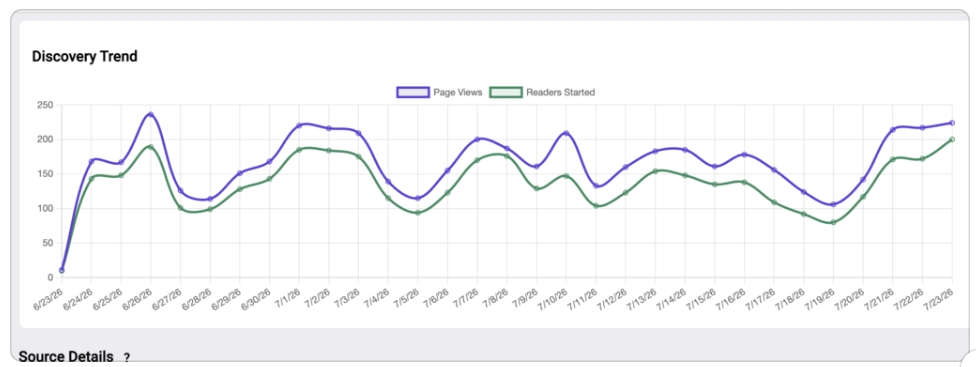
Page Views are the number of views your page has received. Started Viewing are
the number of people who started reading a story after viewing your page.
This can be a valuable tool for editing certain chapters that may show less engagement. Where a reader loses interest in a story can indicate revision opportunities.
If you have questions, please contact our Support team at support@reamstories.com.